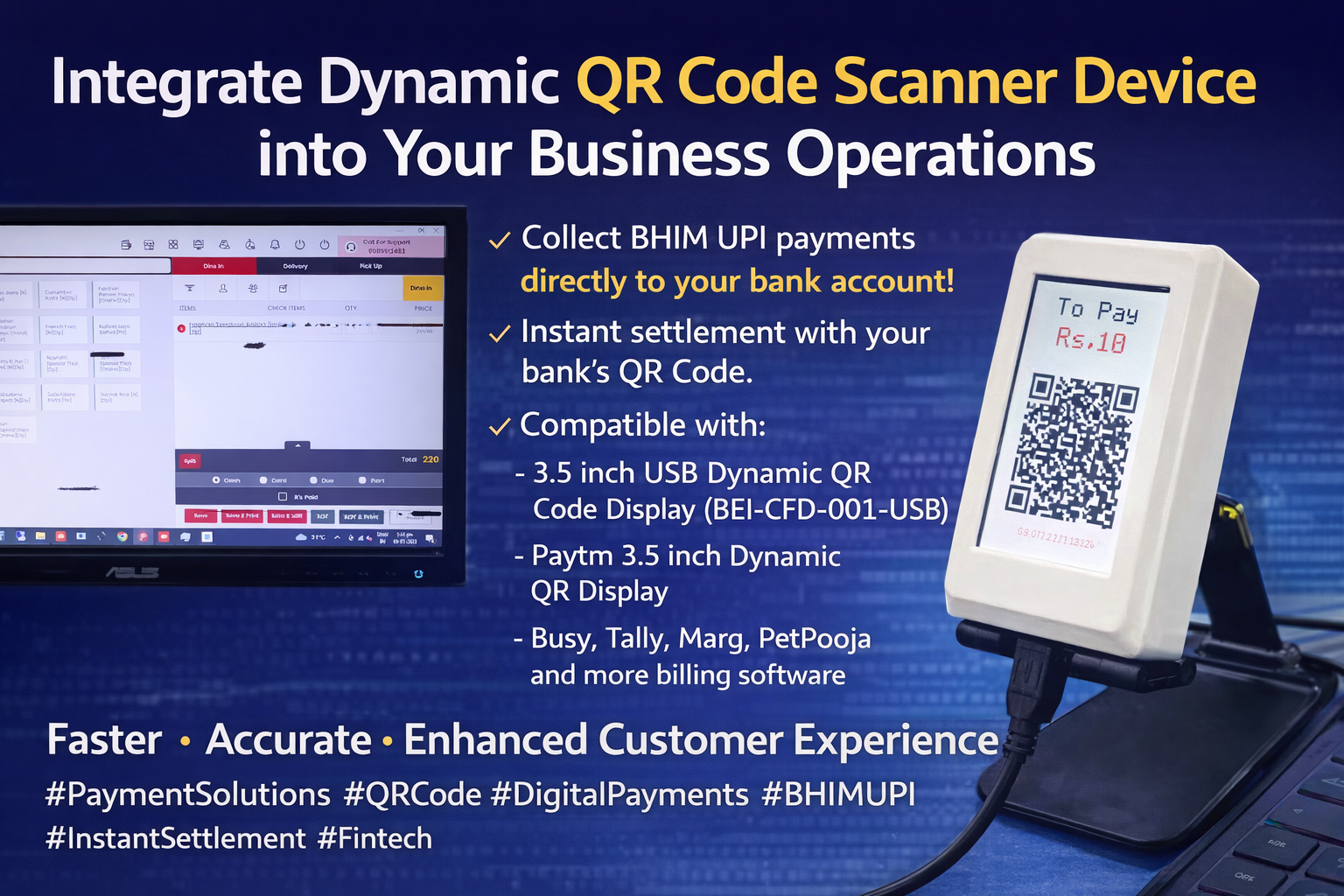
Benefits of Integration
Enhanced Customer Experience: Offering BHIM UPI payments through dynamic QR codes provides customers with a convenient and quick payment option, eliminating the need for cash transactions.
Real-Time Transactions: The integration ensures real-time transactions, reducing payment processing time and offering immediate confirmation to customers.
Instant Settlements: By using QR codes provided by the bank, businesses can receive instant settlements, promoting better cash flow management.
Efficiency and Accuracy: The automated integration reduces human errors and manual data entry, leading to more accurate accounting records.
Compatibility: The system supports multiple billing software such as Busy, Tally, Marg, PetPooja, and others, catering to various business requirements.
Integration Steps
1. Choose the Dynamic QR Code Scanner Device:
Select a suitable QR code scanner device compatible with your billing and accounting software. Options
such as the BEI-CFD-001-USB and Paytm 3.5 inch Dynamic QR Display are
recommended for their USB connectivity and customer-facing display features.
2. Obtain the Necessary Software and API:
Acquire the required software and API (Application Programming Interface) to integrate the QR code
scanner device with your billing system. Ensure it supports BHIM UPI transactions.
3. Configure the QR Code Scanner Device:
Set up the device as per manufacturer guidelines and configure communication with billing software via
USB or compatible methods.
4. Integrate API with Billing Software:
Work with your software provider or IT expert to complete integration for smooth payment processing.
5. Obtain Dynamic QR Code from Bank:
Coordinate with your bank to receive dynamic QR setup for instant settlements.
Conclusion
Integrating a Dynamic QR Code Scanner Device with your billing and accounting software enables seamless BHIM UPI payments, simplifies transactions, and enhances customer experience. With instant settlements and improved efficiency, this solution helps businesses stay competitive and future-ready.
🌐 Facebook: / bonrixembeddedinnovations
🌐 Website: www.embedded-innovations.com
📧 Email: info@embedded-innovations.com
📞 Contact: +919409745500 / +919429045500
📲 WhatsApp: Chat
Now
#qrcodescanner #BHIMUPI #SeamlessPayments #DigitalTransformation #InnovativeTech #PaymentIntegration #UPIPayments #BankingSolutions #CashlessTransactions #QRCodePayments #DynamicQR #InstantSettlements #Efficiency #CustomerExperience #BusinessPayments #TechSolutions #FasterTransactions #ModernPayments #ConvenientPayments #StreamlinePayments #ContactlessPayments #AutomatedPayments #BusinessInnovation #EnhancedBilling #AccountingSoftware #FinancialTechnology #TechAdvancements #BusinessTech #EmpoweringBusinesses #EfficientPayments #StayAhead #TechRevolution #FinTech #CustomerFacingDisplay #USBDisplay #PaytmDisplay #PaymentSolutions #PaymentProcessing #DigitalPayments #EasierPayments #PaymentOptions #UpgradeYourPayments #BusinessImprovement #BusinessGrowth #SmartPayments #BusinessEfficiency #SecureTransactions #CashManagement #RealTimePayments #OptimizePayments #BusinessSuccess #PaymentSecurity #AdvancedTechnology #BusinessUpgrade #GoDigital #PaymentFlexibility #DigitalFinance #BusinessAdvantage #DigitalPaymentSolution #TechInnovations #BusinessTech #TechUpgrades #BankingMadeEasy #SmartBusiness #BusinessDevelopment #NextGenPayments #TechIntegration #DigitalBusiness #ModernTech #TechSavvy #TechForward #BusinessSolution